

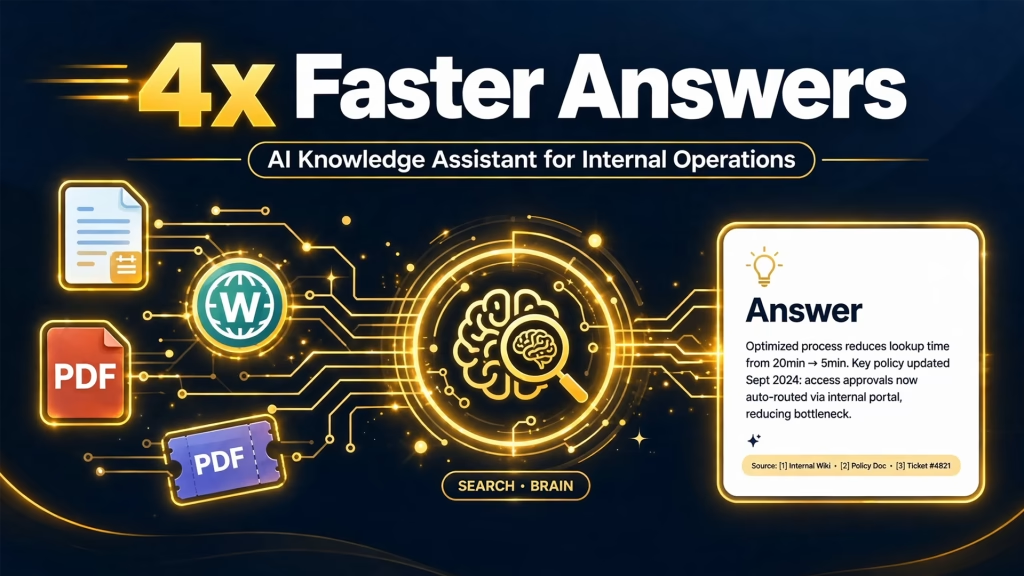
TL;DR: Teams were losing hours searching for information scattered across wikis, drives, SOPs, and old tickets, and the same questions kept landing on a few busy experts. I built an AI knowledge assistant for internal operations using Claude, vector search, and retrieval-augmented generation (RAG) in Python. It answers operational questions with cited sources, respects document permissions, and says “I don’t know” instead of guessing. Time to find an answer dropped from about 12 minutes to 3, and repetitive questions to the operations team fell by roughly 60%.
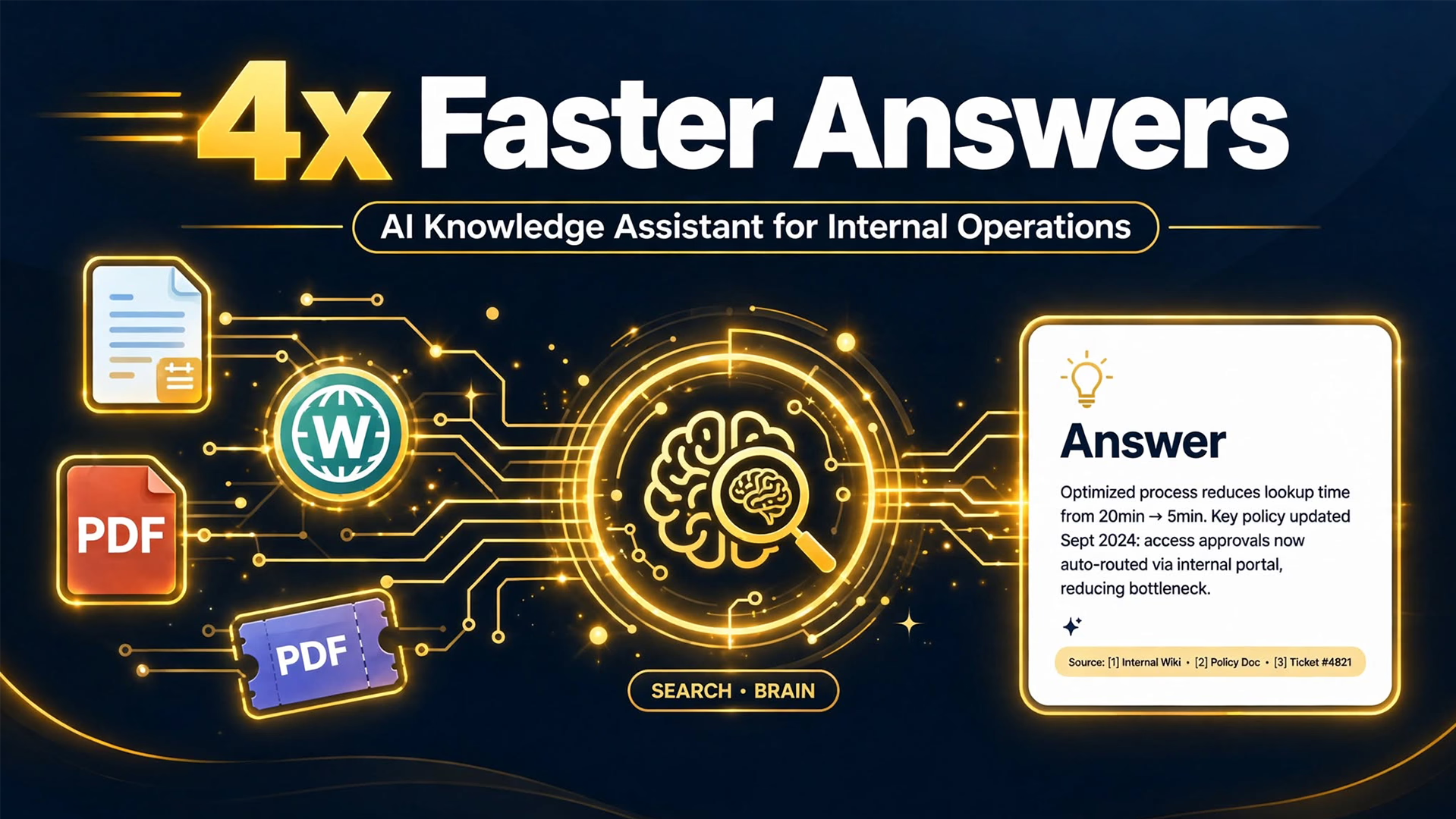
An AI knowledge assistant for internal operations is a chat-based tool that retrieves relevant company documents and uses them to answer questions accurately, with sources. In this case study, I explain the problem, how I designed the system, and how a similar assistant could reduce the interruptions and search time in your team.
Project snapshot
| Category | LLM systems |
| My role | Sole consultant: architecture, data pipeline, retrieval design, prompt design, evaluation, handover |
| Timeline | 6 weeks |
| Stack | Claude, vector search, RAG, Python |
| Deliverable | Retrieval-based AI assistant with structured context |
| Designed outcome | Faster access to internal information and reduced repetitive support dependency |
The business problem: teams struggled to access fragmented internal knowledge
The knowledge existed, but no one could find it quickly:
- Information lived in many places. Policies sat in a wiki, procedures in PDFs, answers in old tickets, and tips in chat threads.
- Search was weak. Keyword search missed documents when people used different words from the authors, so a typical lookup took about 12 minutes.
- A few experts became the help desk. Operations staff fielded around 140 repetitive questions every week, interrupting deeper work.
- Documents conflicted or were outdated. People did not know which version to trust, so they asked a person instead.
- New hires suffered most. They could not tell what they did not know, so onboarding relied heavily on managers.
The result was lost productivity, inconsistent answers, and a team that depended on a handful of people.
Goals and constraints
Goals:
- Give every team member fast, accurate answers to operational questions
- Reduce repetitive questions to the operations team
- Make every answer traceable to a real source
Constraints:
- The assistant must not invent answers
- People must only see information they are allowed to access
- It had to work inside the tools the team already used, such as Slack or Teams
- Documents change constantly, so the knowledge base had to stay current
My approach: a grounded RAG assistant with structured context
I designed the AI knowledge assistant for internal operations around one rule: the model answers only from retrieved company content, and shows its sources. The system has six parts.
Part 1: Ingestion and cleaning
Python connectors pull content from the wiki, shared drive, SOP documents, and resolved tickets. The pipeline cleans the text and splits it into chunks by heading and section, so each chunk keeps its meaning. Every chunk carries metadata: source, owner, department, last updated date, and access level.
Part 2: Vector search with hybrid retrieval
Chunks are converted to embeddings and stored in a vector database. Retrieval combines vector search, which finds meaning, with keyword search, which catches exact terms like product names and policy codes. A reranking step then selects the best passages.
Part 3: Query understanding
Before searching, Claude rewrites the question into a clearer search query and identifies the likely department and intent. This helps when people ask short, vague, or informal questions.
Part 4: Structured context and grounded answers
The best passages are assembled into a structured prompt with source IDs, dates, and owners. Claude must answer only from that context, cite sources, and state when documents conflict or the answer is missing. When the assistant cannot find a reliable answer, it says so and points the person to the document owner or the right channel.
Part 5: Permissions and freshness
Retrieval filters results by each user’s access rights, so restricted documents never reach the model for someone who should not see them. Scheduled re-indexing keeps content current, and answers show the last updated date of each source.
Part 6: Workflow support and feedback
Beyond answering questions, the assistant supports workflows by turning an SOP into a checklist or drafting a ticket summary, always with user confirmation. Thumbs up or down ratings and a log of unanswered questions show where documentation has gaps.
Step-by-step build
- Inventory knowledge sources and top questions by interviewing teams and analyzing past support requests.
- Build the ingestion pipeline with cleaning, heading-aware chunking, and metadata.
- Set up the vector database and hybrid retrieval with reranking.
- Design the grounded prompt with citation, conflict, and “I don’t know” rules.
- Add permission filtering, Slack or Teams delivery, and feedback capture.
- Create an evaluation set of 100 real questions, measure retrieval and answer quality, fix weak spots, and roll out in stages.
Tech stack
- Claude: query rewriting, grounded answer generation, and citations
- Vector search with hybrid retrieval: finds the right passages by meaning and by exact terms
- RAG pipeline in Python: ingestion, chunking, retrieval, context assembly, and evaluation
- Metadata and access control layer: source tracking, freshness, and permission filtering
- Chat integration: puts the assistant where teams already work
Results
| Metric | Before | After |
| Time to find an answer | 12 minutes | 3 minutes (4x faster) |
| Repetitive questions to the operations team per week | 140 | 55 (about 60% fewer) |
| Answers with a cited source | Not applicable | 100% |
| Correct answers on the evaluation set | Not measured | 90% |
| Questions safely declined when no source existed | Not applicable | 96% of unanswerable test questions |
| Estimated hours saved per week | Not applicable | About 40 |
| New hire questions escalated to managers | Baseline | About 50% fewer |
The biggest gains were trust and time. People got answers they could verify, and experts got their focus back.
Challenges and what I would improve
Challenge 1: Outdated and conflicting documents. Old versions sometimes ranked above current ones. I added freshness weighting, displayed last updated dates, and made the assistant flag conflicts and notify the document owner.
Challenge 2: Poor chunking. Early chunks cut procedures in half and produced incomplete answers. Heading-aware chunking with overlap fixed this and noticeably improved retrieval quality on the evaluation set.
Challenge 3: Confident wrong answers. In testing, the model sometimes filled gaps with plausible details. Strict grounding rules, required citations, and a refusal path reduced this, and I tracked it with regression tests that run after every change.
Next improvement: send the weekly list of unanswered questions to document owners automatically, so the knowledge base improves with use, and add safe actions such as creating tickets with approval.
Key takeaways
- RAG quality depends more on clean data, good chunking, and evaluation than on the model alone.
- Citations and “I don’t know” responses build the trust that makes people use the assistant.
- Permissions must be enforced at retrieval time, before any content reaches the model.
Frequently asked questions
What is an AI knowledge assistant for internal operations?
It is a chat-based assistant that searches your internal documents, uses the relevant passages to answer questions, and cites the sources, so teams can find information quickly.
What is RAG?
Retrieval-augmented generation retrieves relevant documents first and then has the AI model answer using only that content, which keeps answers grounded in your real information.
How do you prevent the assistant from making things up?
The assistant answers only from retrieved content, must cite sources, and is instructed to say when it cannot find a reliable answer. I also test it against real questions before rollout.
Can it respect who is allowed to see which documents?
Yes. Permissions are applied during retrieval, so a person only receives answers based on documents they can access.
How long does it take to build an AI knowledge assistant for internal operations?
For a focused setup like this one, about six weeks from source inventory to rollout.
Want an AI knowledge assistant for your team?
- Business owners and operations leaders: Book a 20-minute workflow audit and I will show how much time your team loses searching for answers.
- Recruiters and hiring teams: View my resume or contact me about remote AI automation and LLM systems roles.
